In accordance with Saudi labor regulations, employers are required to notify the authorities if their foreign employees are absent from work. These reported individuals are called Huroob.
When an expatriate is labelled as a Huroob, it results in several sanctions, including the cancellation of their Iqama status, a ban on working in Saudi Arabia, and a ban on entering the country with a work visa.
Furthermore, deportation and other consequences may also apply. Given the significant impact of this status, it is crucial to understand the Huroob status verification process. Continue reading for more information on how to complete a Huroob status check.
Checking the status of Huroob online is a simple procedure.
Currently, there are two methods available to determine if you have been assigned Huroob status. Huroob verification via the Ministry of Labour (MoL) website: You can check your Huroob status on the Ministry of Labour (MoL) website by following these steps:
- visit the MoL website
- Enter your border number,
- your residence number and your passport number
- Select your nationality
- Enter the captcha verification code and click "Search".«
- Your employment status will appear immediately.
- If this indicates that you are absent from work, it means you are a Huroob.
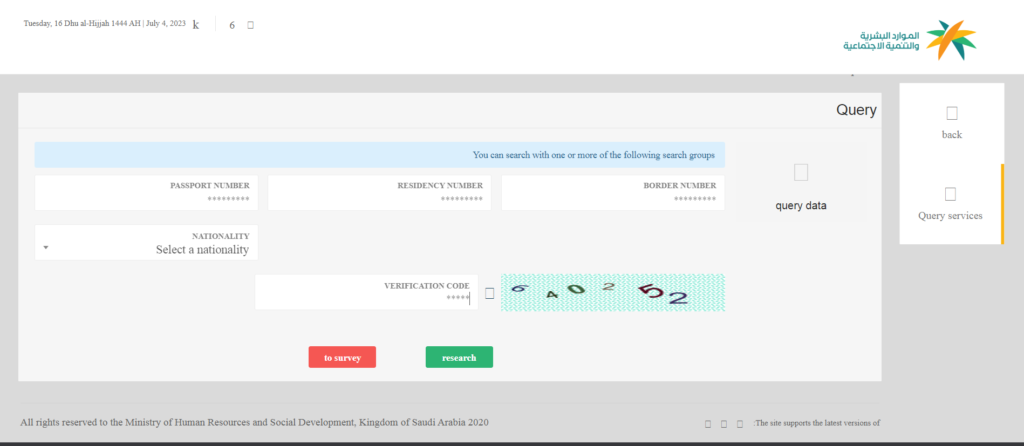
Checking your Huroob status via Absher: You can also check your Huroob status via the Absher portal:
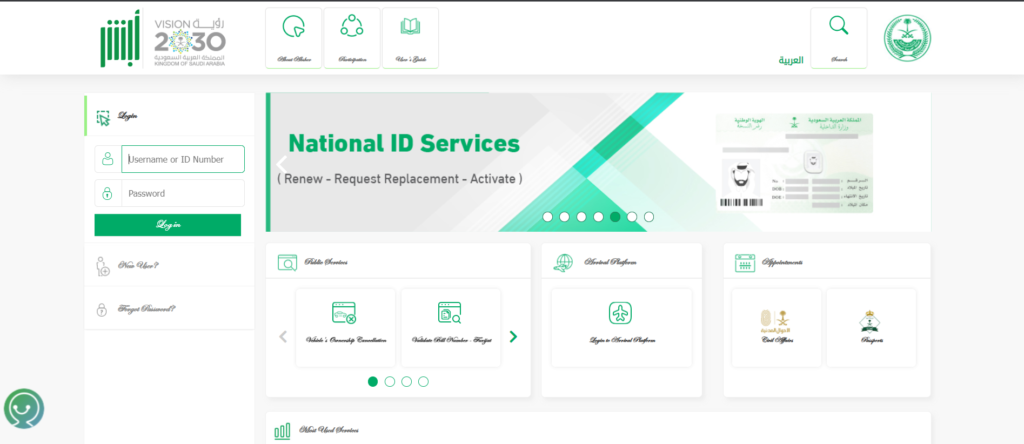
- visit the site Absher's website
- Log in to your Absher account
- Click on "more details" after logging in
- You should be able to see your employment status.
- If you discover that you are not registered or recognized as an employee, it is possible that you have been assigned a Huroob status.
To get all the latest news, please join our Telegram group. CLICK HERE